What the current development build of Vynote does — and what it does not do yet. No public build has been released.
What the labels mean
Implemented
Built and verified in the development build.
Experimental
Working in testing, but not yet validated in real-world use.
Planned
Intended, not built.
Not available
Not part of Vynote today.
Live meetings
Experimental
Live meeting transcription
Follow a call while it happens. Vynote listens to what your Mac plays and what you say, and turns both into timestamped lines — on your Mac.
Experimental. Tested with synthetic speech on one Mac, including a 14-minute session. Not yet tested in real Google Meet, Microsoft Teams or Zoom calls.
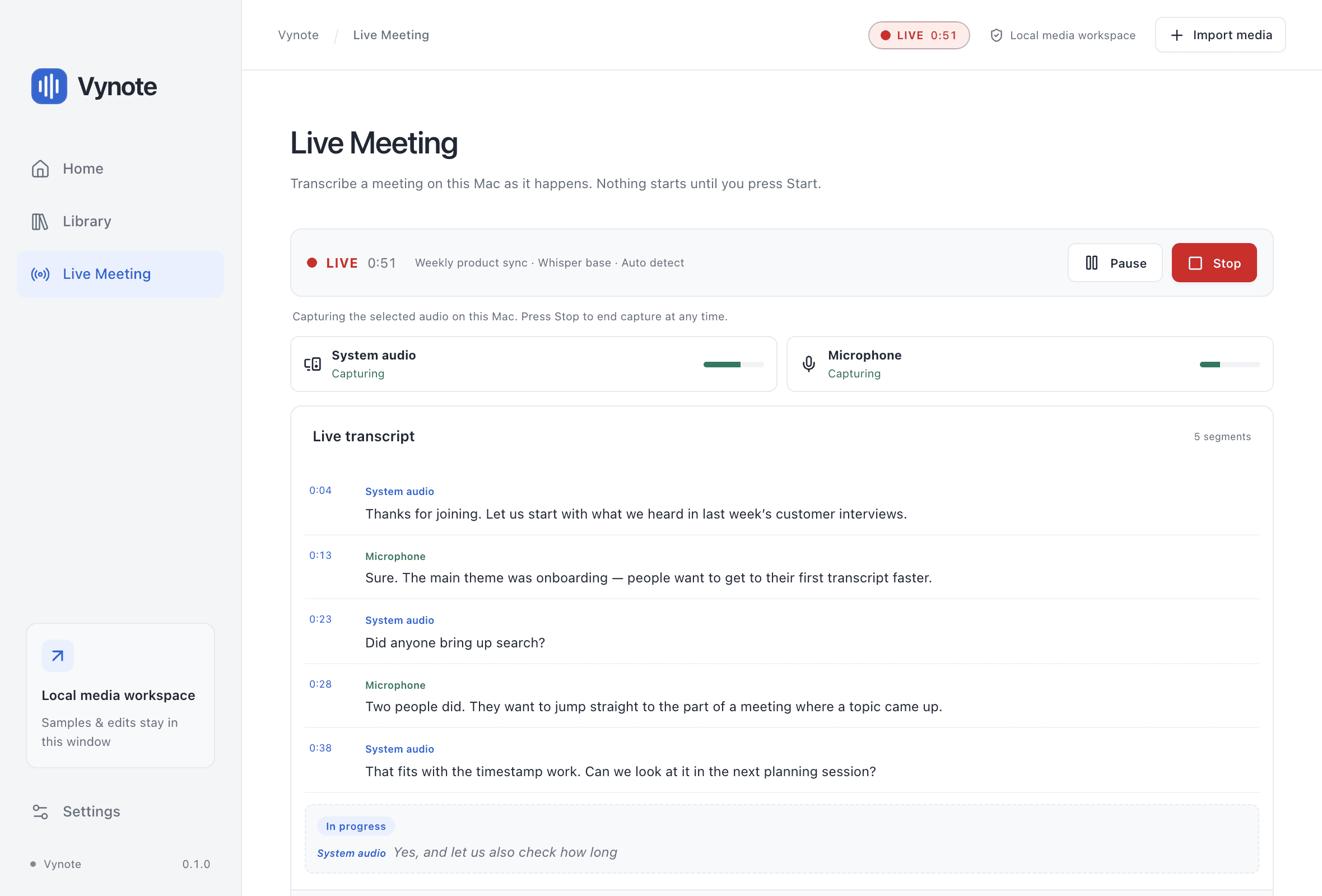
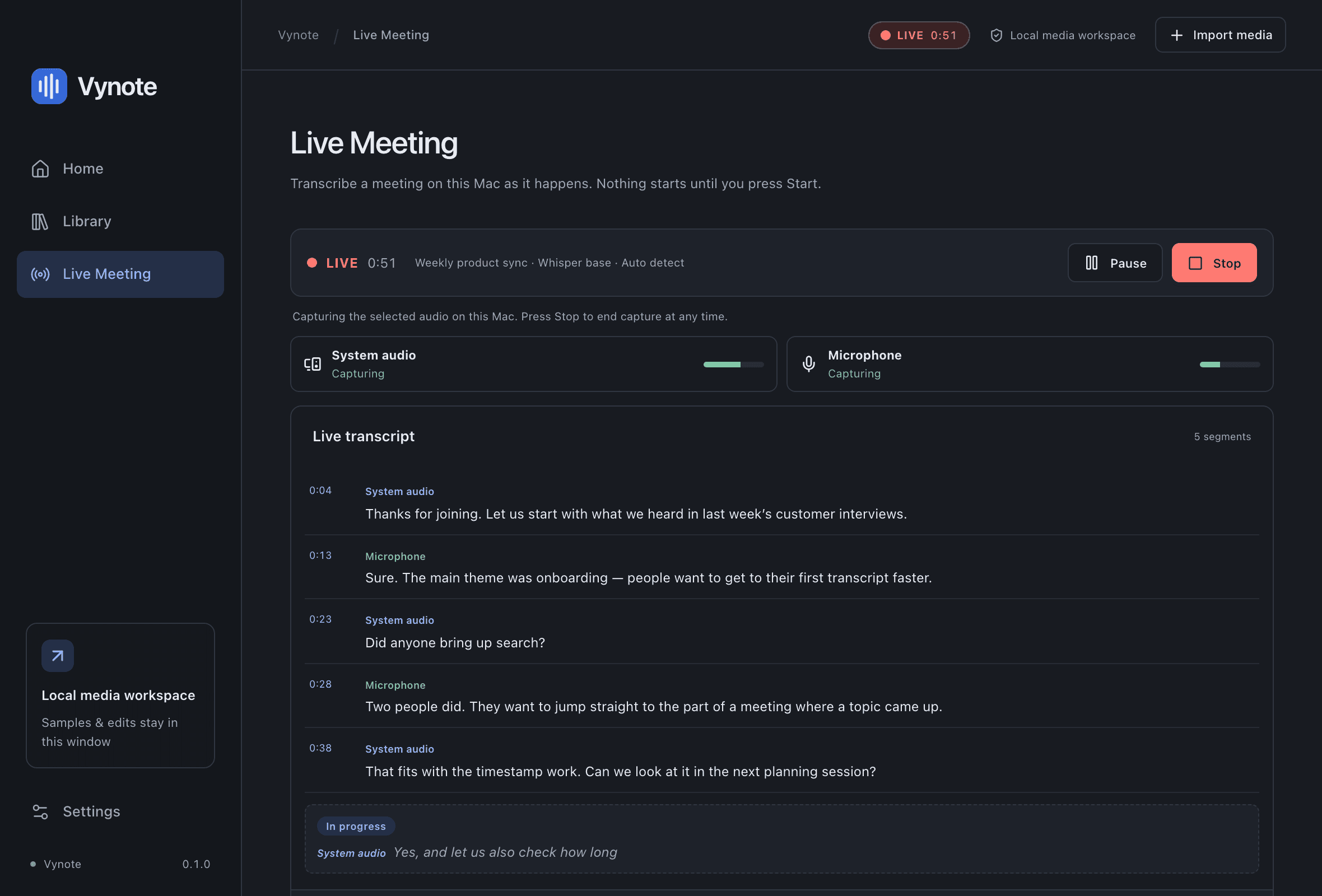
Live Meeting in the Vynote Mac app, with demonstration content.
01
Live transcription
Experimental
Transcribe a meeting on your Mac as it happens.
Starts only when you press Start; nothing is captured on launch.
Text appears progressively in short rolling windows.
Pause finishes speech already captured, then stops capturing; Resume continues on the same timeline.
Stop finishes outstanding audio, saves the transcript and opens it for review.
Base keeps up with two sources in testing; Small may fall behind.
02
Microphone and system audio
Experimental
Capture both sides of a call at the same time.
System audio: what other participants say, as played by your Mac (Meet, Teams, Zoom…).
Microphone: what you say into the default input device.
Both are on by default; you can start with just one.
If one source fails, Vynote pauses and lets you continue with the other, retry or stop.
With speakers instead of headphones, remote speech can be transcribed twice. Use headphones.
03
Session review
Experimental
Go back to what was said in a live session.
Finished and interrupted live sessions appear under Recent live sessions, also after restarting.
Review is read-only and text-only: live audio is never saved, so there is nothing to play back.
Recordings
Implemented
Turn recordings into editable transcripts
Bring an audio or video file that is already on your Mac. Get a transcript you can search, correct and navigate by time.
Local file transcription
Implemented
Transcribe recordings already on your Mac.
MP4, MOV, MP3, M4A and WAV, up to one hour, when macOS can read the audio.
Drag and drop, or Choose a file (⌘O). Files stay where they are and are never modified.
The whole recording is processed; you can cancel at any time.
Silent recordings complete with “No speech detected”.
Transcript editing and search
Implemented
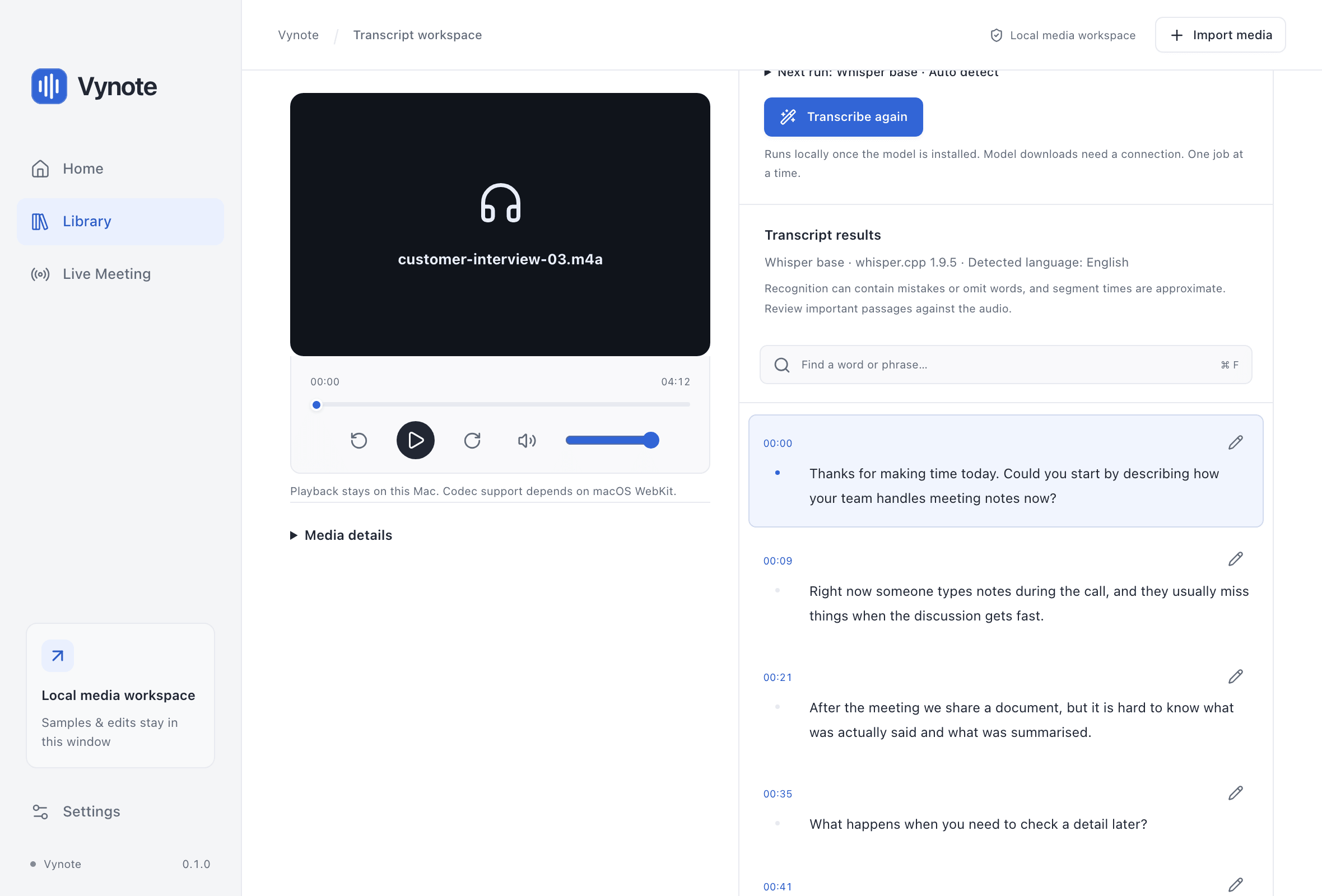
Fix what was misheard and find what was said.
Edit any segment in place; changes are saved locally and survive restarts.
Search across the transcript (⌘F).
Transcribing again keeps one previous result that you can restore.
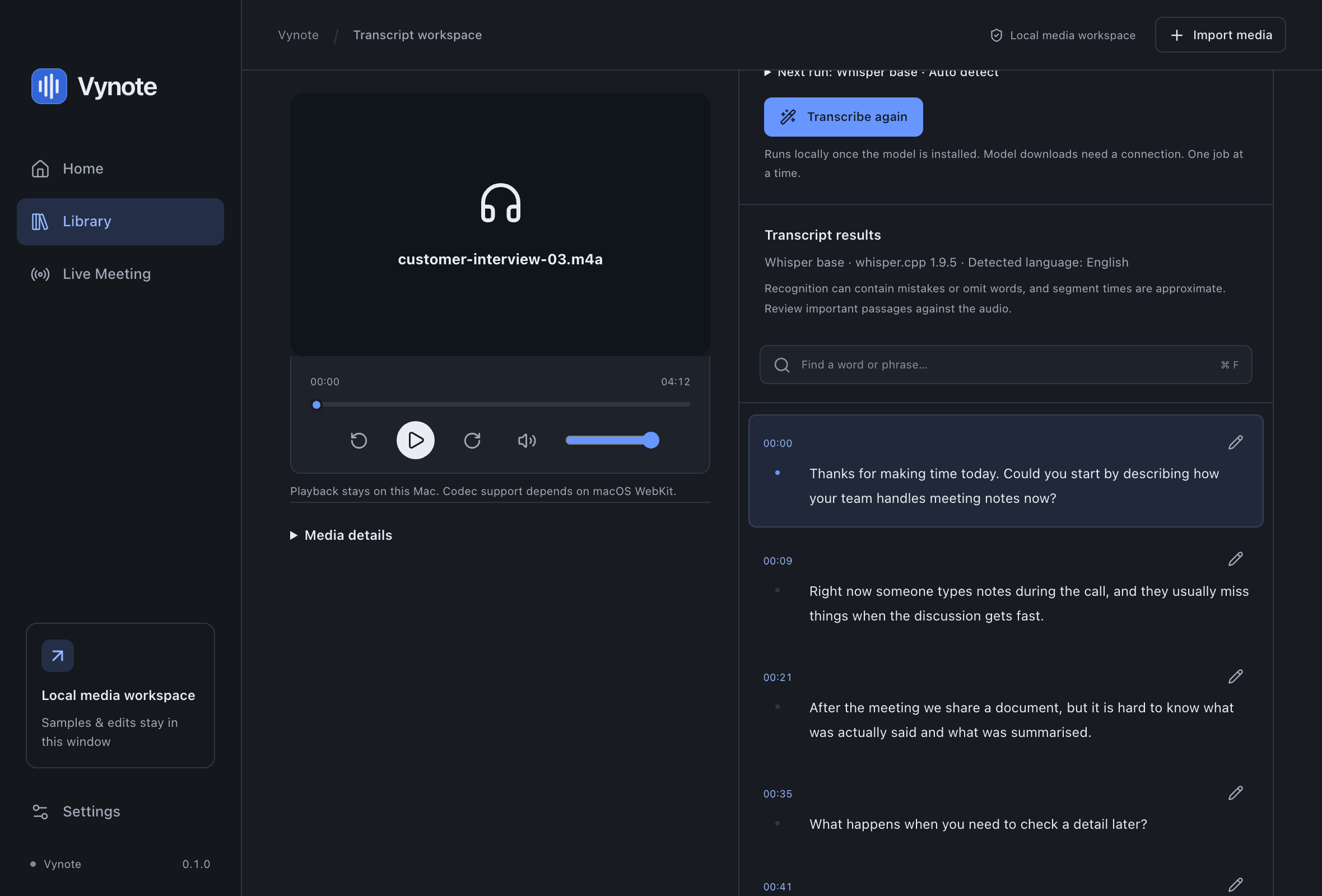
Screenshot of the Vynote interface with demonstration content.
Everyday details
Supporting capabilities
Timestamps you can navigate, models that run locally, your languages and your privacy.
Implemented
Timestamp navigation
Every segment is tied to the moment it was spoken.
Click a timestamp to move the player to that point.
Timestamps follow the original recording, including leading silence and gaps.
Recognition and timing are approximate, not word-perfect.
Implemented
Offline models
Three multilingual whisper.cpp models, downloaded only when you ask.
Tiny 77.7 MB · Base 148.0 MB · Small 487.6 MB.
Downloaded from a fixed, revision-pinned source and checked against a SHA-256 hash before use.
No model is included in the app or downloaded automatically.
Removing a model keeps your transcripts.
Implemented
Language support
Built for English and Bahasa Indonesia.
Interface in English and Bahasa Indonesia, in Light or Dark.
Spoken language: Auto-detect, English or Indonesian.
Accuracy for real human speakers and accents has not been measured yet.
Implemented
Privacy
Designed to work without the internet.
Transcription runs on your Mac; audio is never uploaded.
No account, analytics or telemetry.
Transcripts are stored in your user Library with private file permissions.
Not available yet
These are not part of the current build. Some are planned; none has a date.