Offline transcription for Mac
Understand more.Communicate confidently.
Vynote turns live meetings and recordings into searchable, timestamped transcripts — on your Mac, without sending audio anywhere.
macOSComing soonNo installer is available yet.
- macOS 14 or later
- Apple silicon
- English & Bahasa Indonesia
Two ways to transcribe
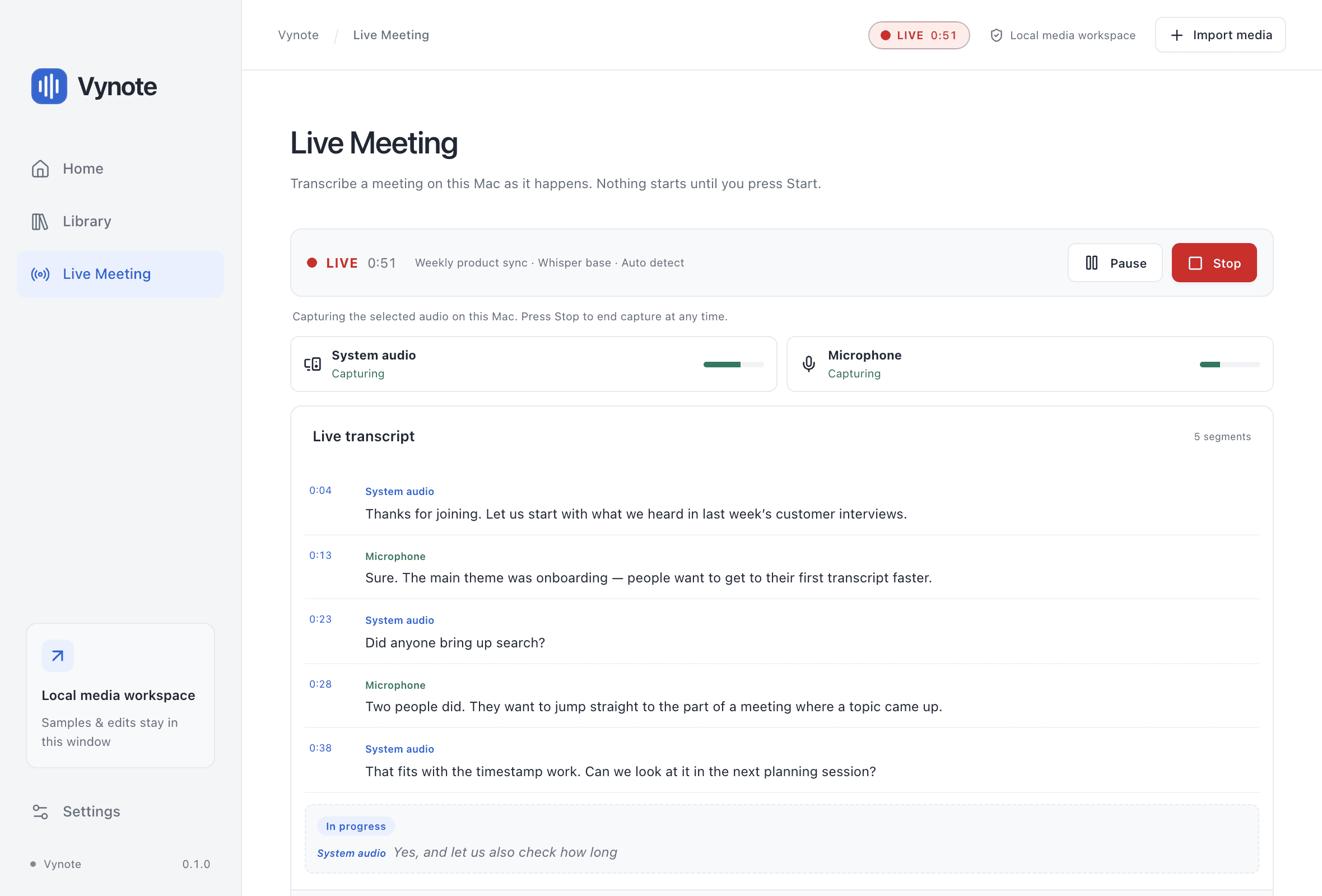
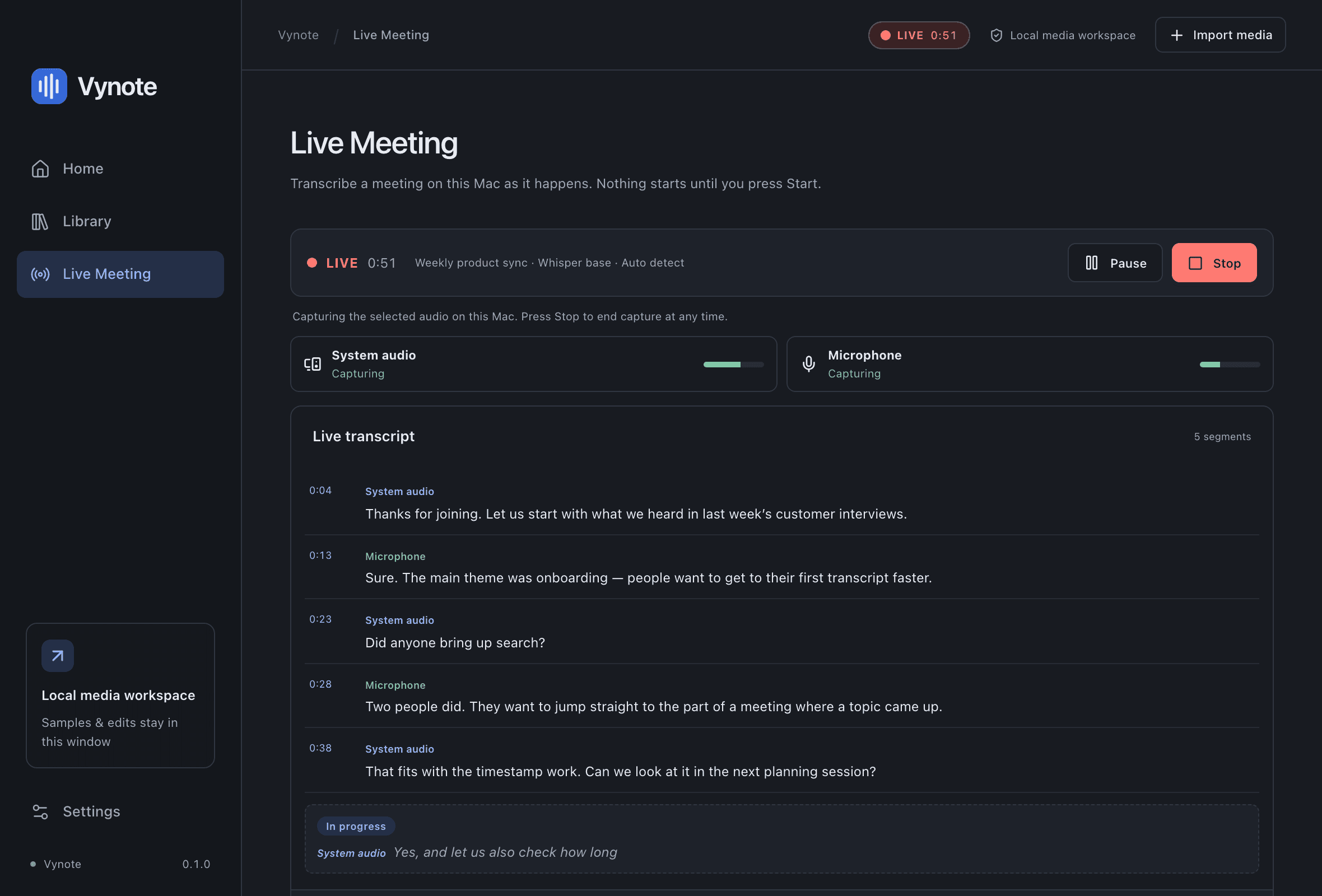
Live meetings
ExperimentalFollow the conversation as it happens
Open Live Meeting, choose your sources and press Start. Nothing is captured until you do, and a LIVE indicator stays visible on every screen while a session runs.
- System audio and microphone together — other participants as your Mac plays them, and your own voice.
- Text appears within seconds. Lines marked In progress may still change before they are finalized.
- Every finalized line gets a timestamp and the source it was heard on.
- Pause, resume or stop at any time. The transcript is saved on your Mac; the audio is not.
Experimental. Tested with synthetic speech on one Mac, including a 14-minute session. Not yet tested in real Google Meet, Microsoft Teams or Zoom calls.
Recordings
ImplementedTurn a recording into text you can work with
- MP4
- MOV
- MP3
- M4A
- WAV
- ≤ 1 h
Drop in an MP4, MOV, MP3, M4A or WAV file up to an hour long. Vynote reads it where it is — the original is never copied, changed or uploaded.
- Transcribe in English or Bahasa Indonesia, or let Vynote detect the language.
- Click any timestamp to jump the player to that moment.
- Search the transcript and correct words in place; edits are saved automatically.
- Transcribing again keeps your previous result, so you can restore it.
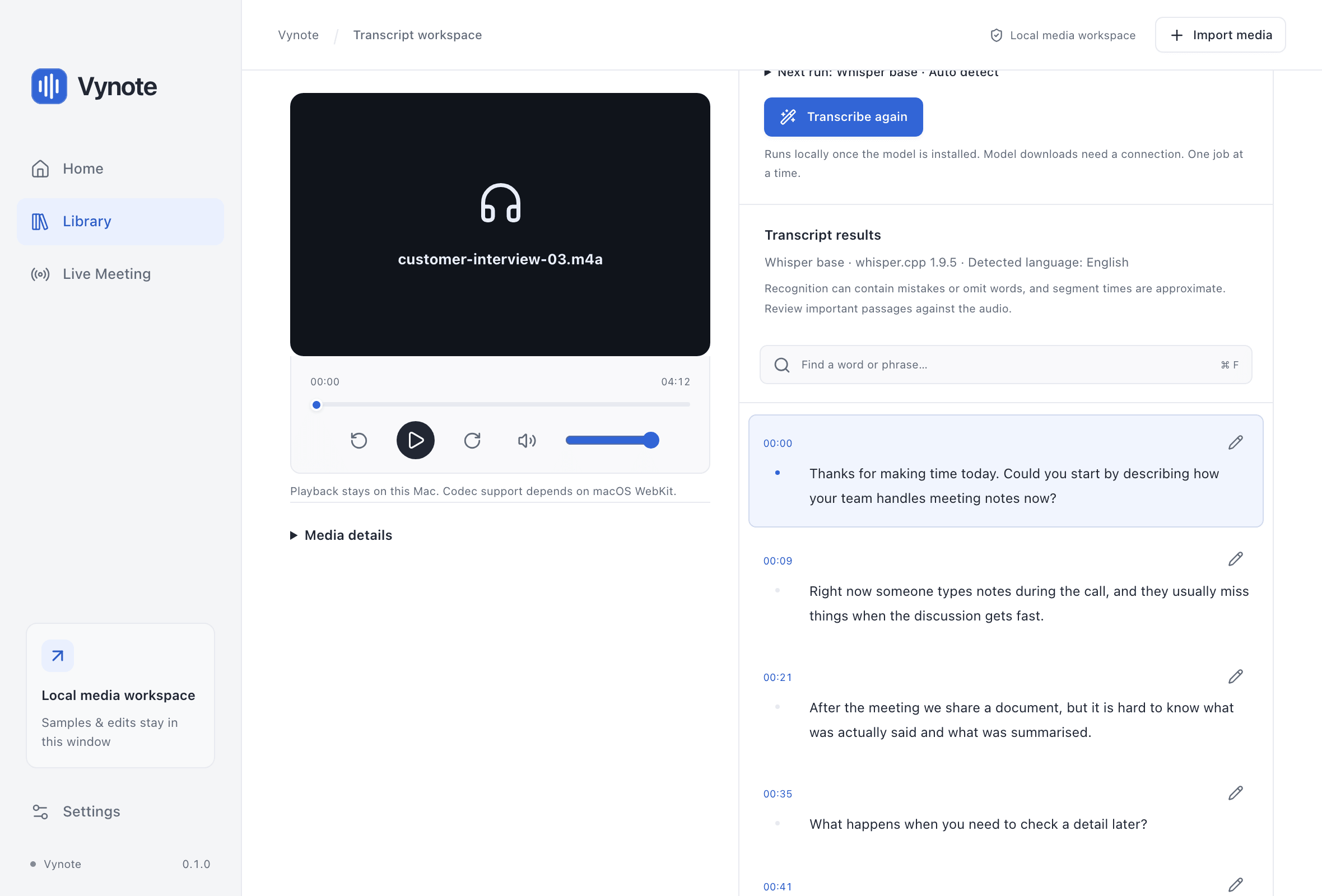
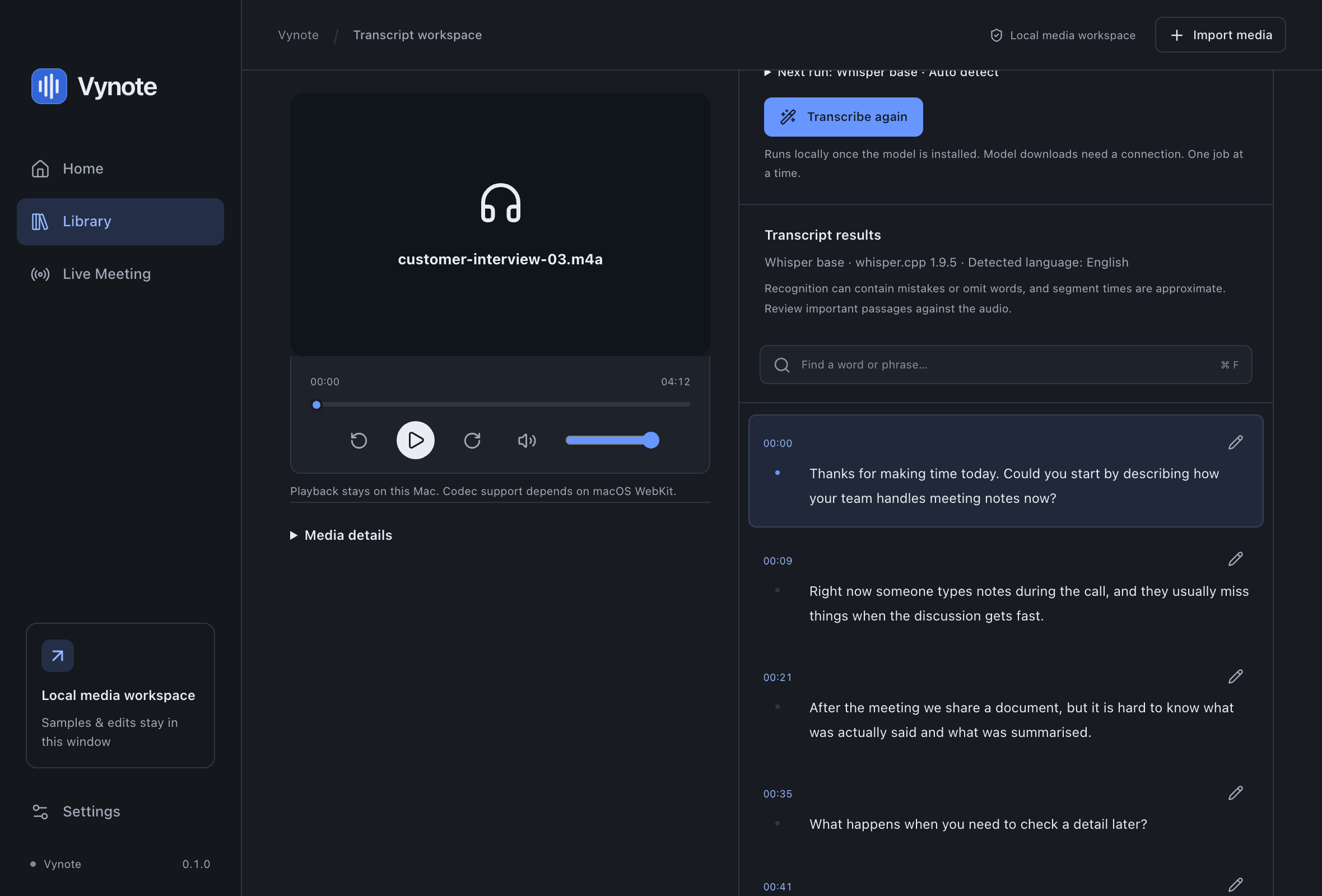
Screenshot of the Vynote interface with demonstration content.
Your audio stays on your Mac
Transcription runs on your computer with the open-source whisper.cpp engine, bundled inside Vynote. There is no Vynote server to send anything to.
- On-device
- Recognition runs locally on the CPU. No cloud service is involved.
- Audio is not kept
- Live audio is transcribed in memory and discarded. Only finalized text is saved.
- No account, no telemetry
- Vynote has no sign-in, no analytics and no usage reporting.
- Network only for models
- The app goes online only when you choose to download a model, which is verified before use.
From audio to transcript in three steps
- 01
Choose a model
Download one of three speech models in Settings: Tiny (78 MB, fastest), Base (148 MB, recommended for live meetings) or Small (488 MB, most accurate, slowest).
- 02
Import or go live
Drag a recording into Vynote and choose Generate transcript, or open Live Meeting and press Start.
- 03
Review and refine
Search, jump to any timestamp and correct what was misheard. Everything is stored locally.
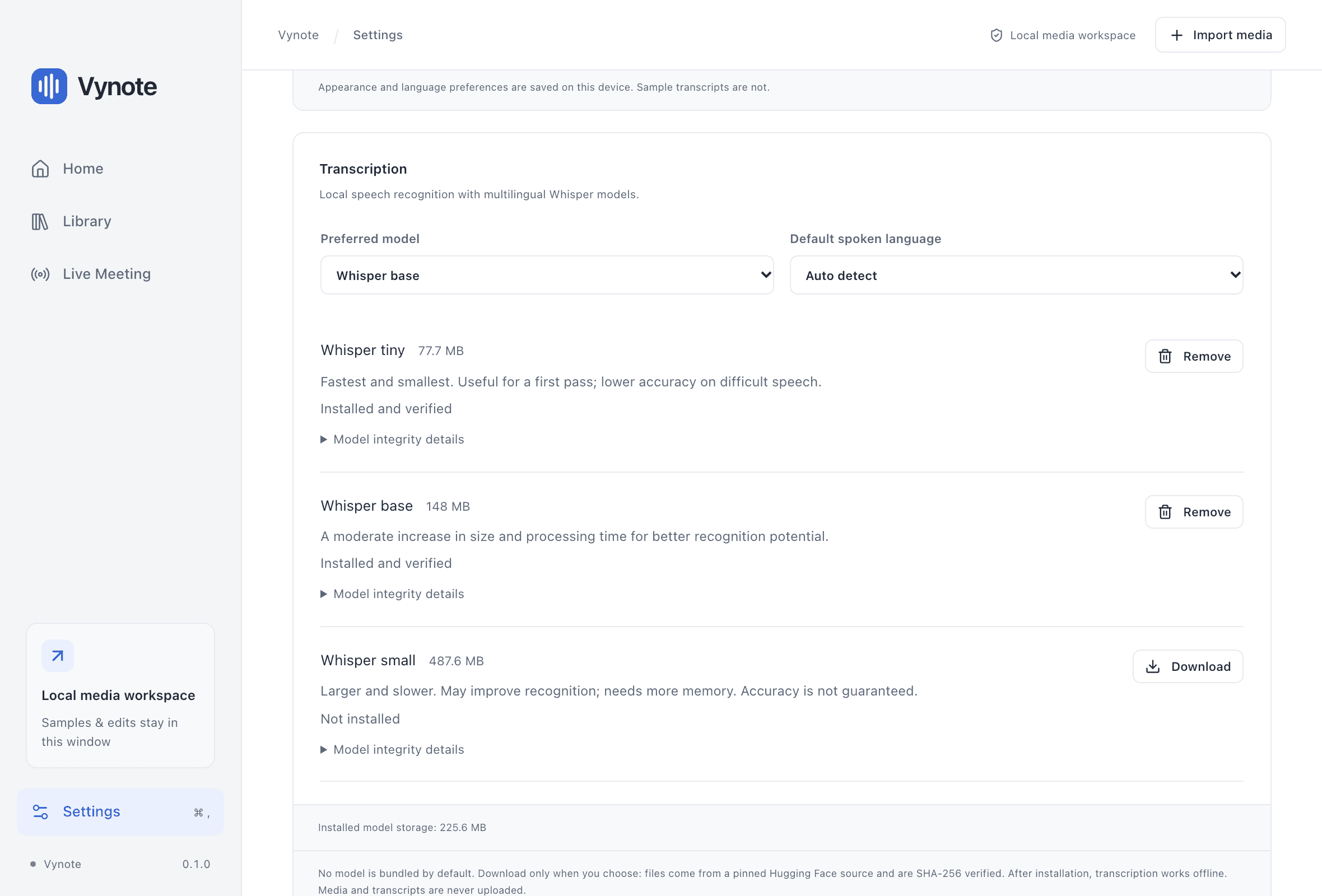
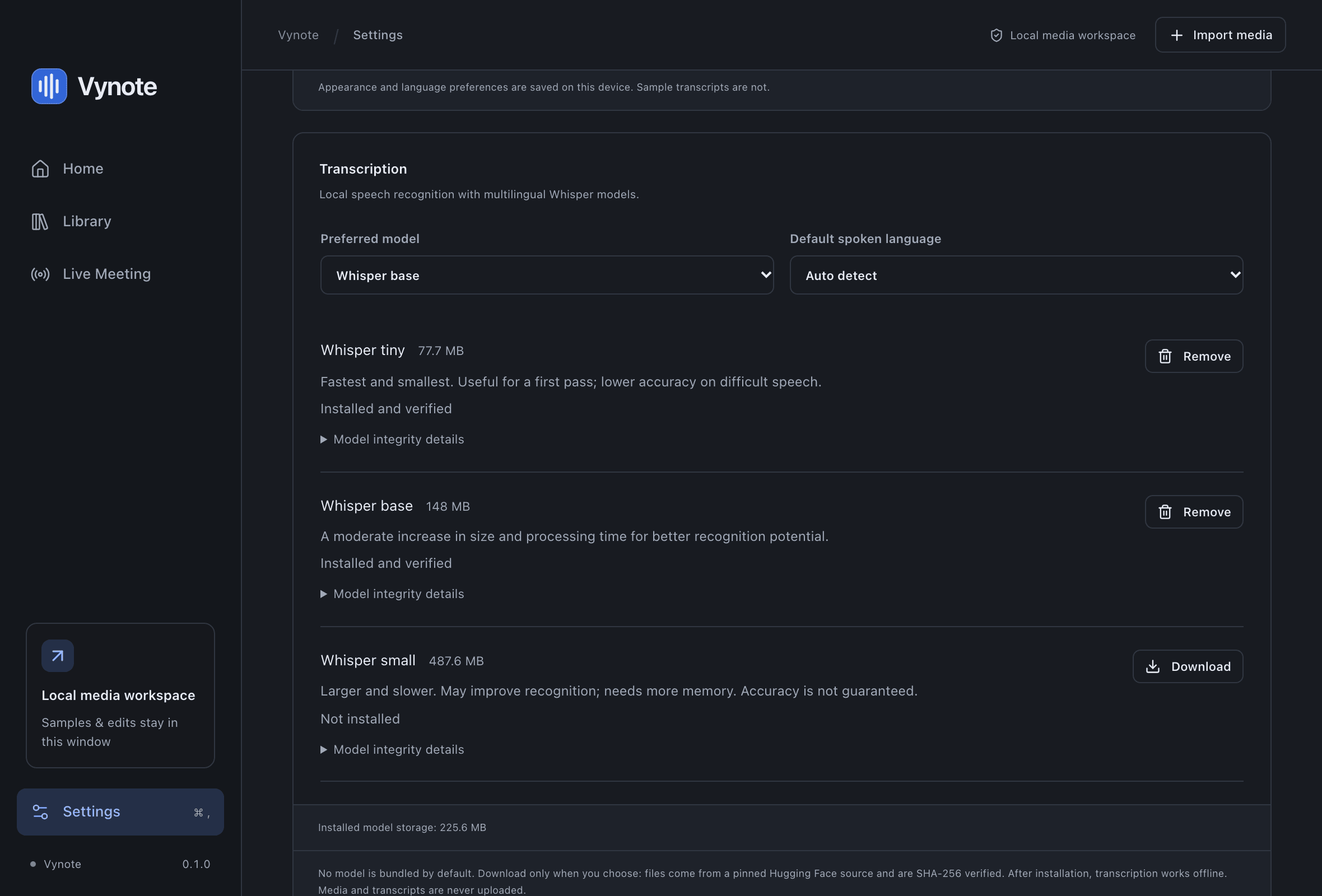
Screenshot of the Vynote interface with demonstration content.
Platforms
Vynote is a native Mac app. It is in development and has not been publicly released yet.
macOS
Coming soon- macOS 14.0 Sonoma or later
- Apple silicon (arm64)
Intel-based Macs: no build has been produced or tested.
Windows
PlannedA Windows version is planned. Nothing has been built for Windows yet, and there is no release date.
Vynote is getting ready for its first release
There is no public download yet. The first macOS build will appear on the download page once release testing is complete.
macOSComing soonNo installer is available yet.